Critical Path Method
Forward + backward pass over your DAG. All four dependency types. Red-glow highlight on zero-float tasks.
v2.0 — Now with Critical Path & Baselines
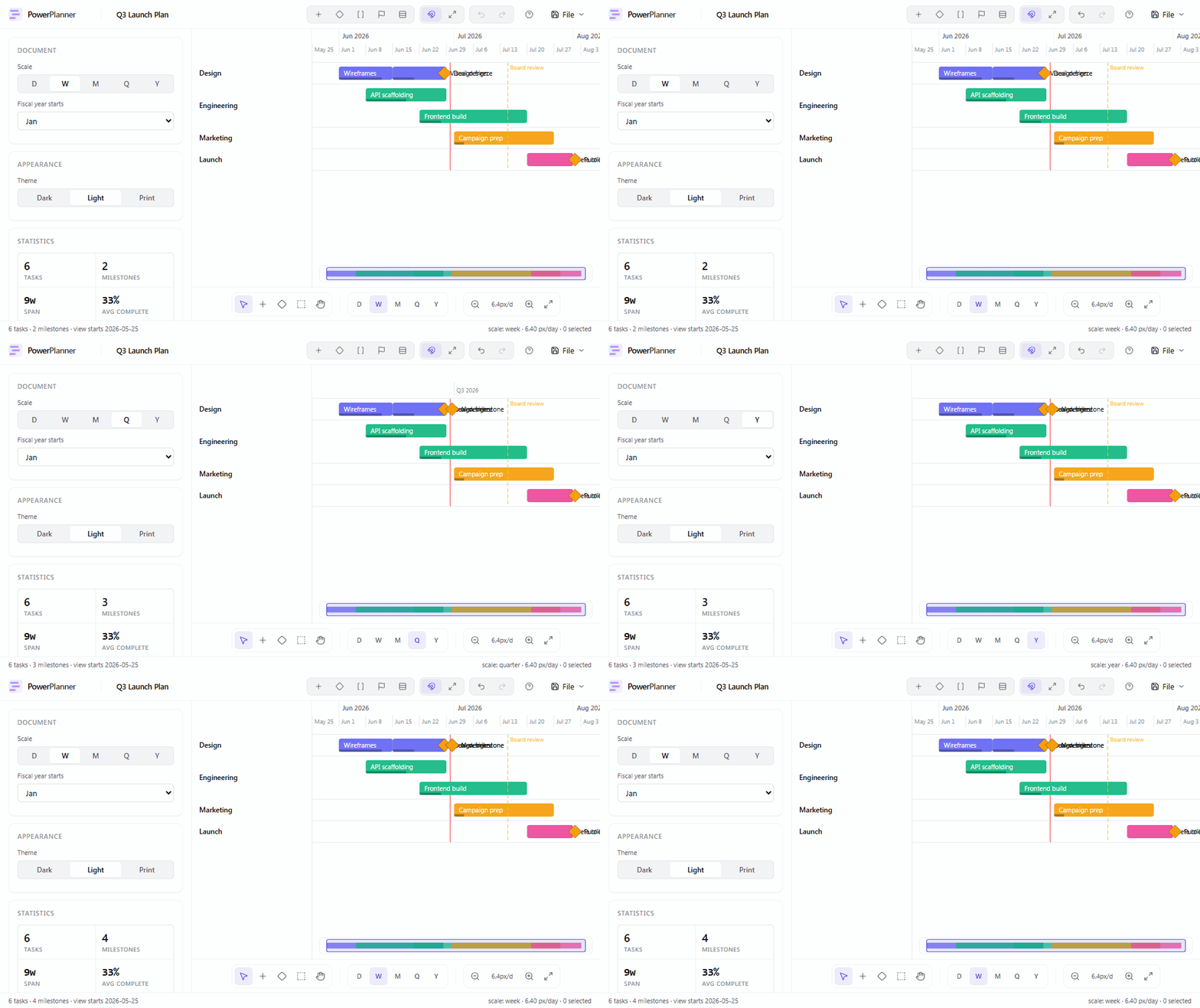
One HTML file. Open it offline. Edit. Save. Email it.
The recipient gets a fully editable copy — no install, no account, no link rot.
263 KB standalone · 98 KB gzipped · works in any modern browser
/ See it
/ Workflow
Grab PowerRoadmap.html from the latest release.
Double-click the file. Works offline. Works on a plane.
Drag bars, type dates, press ⌘K for anything else.
Ctrl+S embeds your chart back into the same HTML file.
/ Features
Pro-grade scheduling primitives, packed into a file you can email.
Forward + backward pass over your DAG. All four dependency types. Red-glow highlight on zero-float tasks.
Snapshot the current schedule. Keep planning. The baseline lives under each bar so drift is visually obvious.
Every action — create, switch tools, change scale, swap themes, load templates, export — one keystroke away.
Product Launch, Two-Week Sprint, Hiring Plan, Marketing Campaign, Blank. Realistic content, not lorem ipsum.
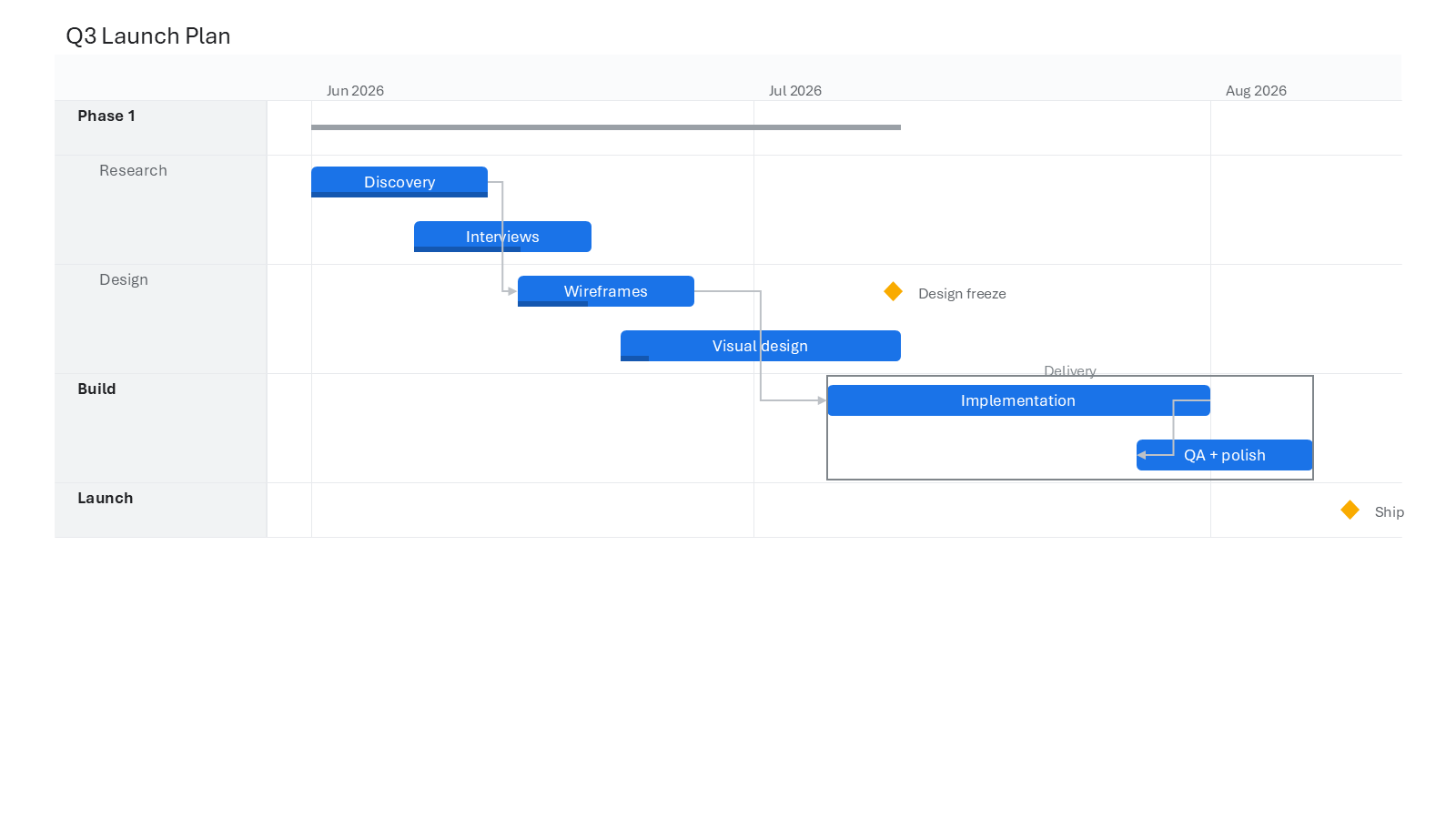
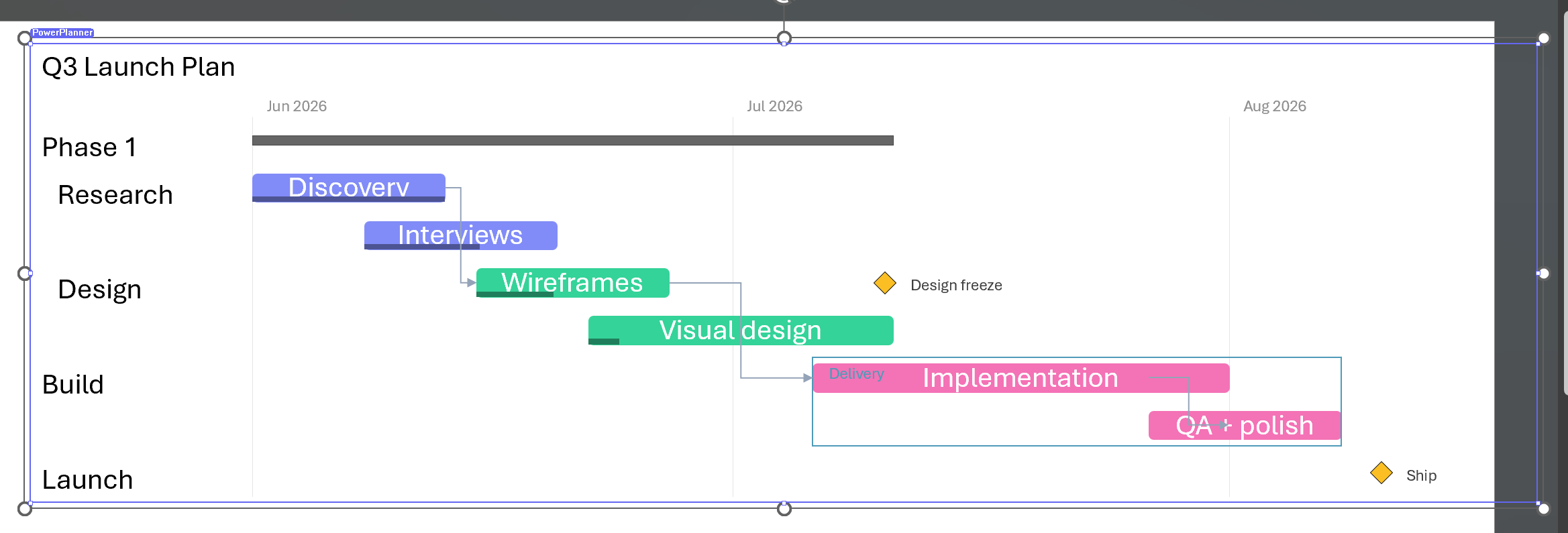
PNG (1× or 2×), SVG, JSON, YAML, print-to-PDF. Crisp at any resolution. Designed for slides, not screenshots.
No network calls. No telemetry. No sign-in. Your data never leaves the file.
Editor and data live in the same HTML. Reopen the file, keep editing. Share the file, share the work.
Wire dependencies by dragging from one bar's edge to another. Choose FS, SS, FF, or SF.
Three first-class themes. Print mode is high-contrast, ready for paper or slide hand-outs.
/ Positioning
/ Keyboard
A dozen shortcuts cover 90% of planning. Press ? in-app for the full set.
/ Pricing
No paywall. No "premium" tier. MIT licensed.
